
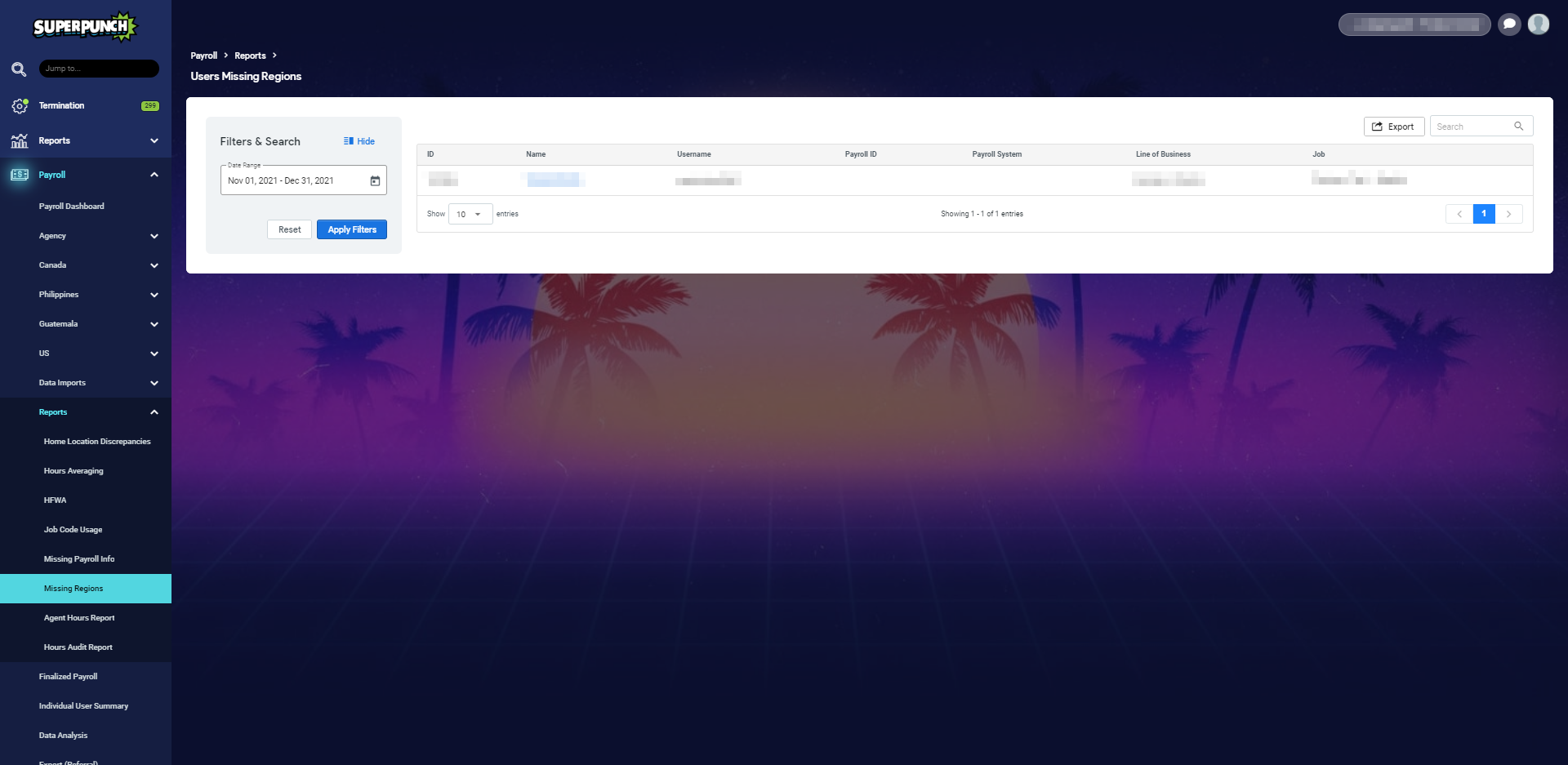
The Users Missing Regions Report is available to those with the "Payroll Analyst" or "Payroll Manager" roles in Superpunch. The report contains a listing of any user accounts that are missing a valid Home Location.
To run a Missing Regions Report, follow these steps:
- Log into Superpunch.
- Navigate to: Payroll -> Reports -> Missing Regions
- Select the Date Range and select Apply.
- Select Apply Filters.
- Select the user's Name, this will redirect you to their user profile.
- Click on the Profile tab.
- Update the Home Location under the "Remote Operations" section.
- Select Submit.
You will have the option to search for data in the report by typing in the "Search" bar. You also have the option to download this report in Excel format by selecting the Export button.
Need more help? See the Superpunch Support Options article.