
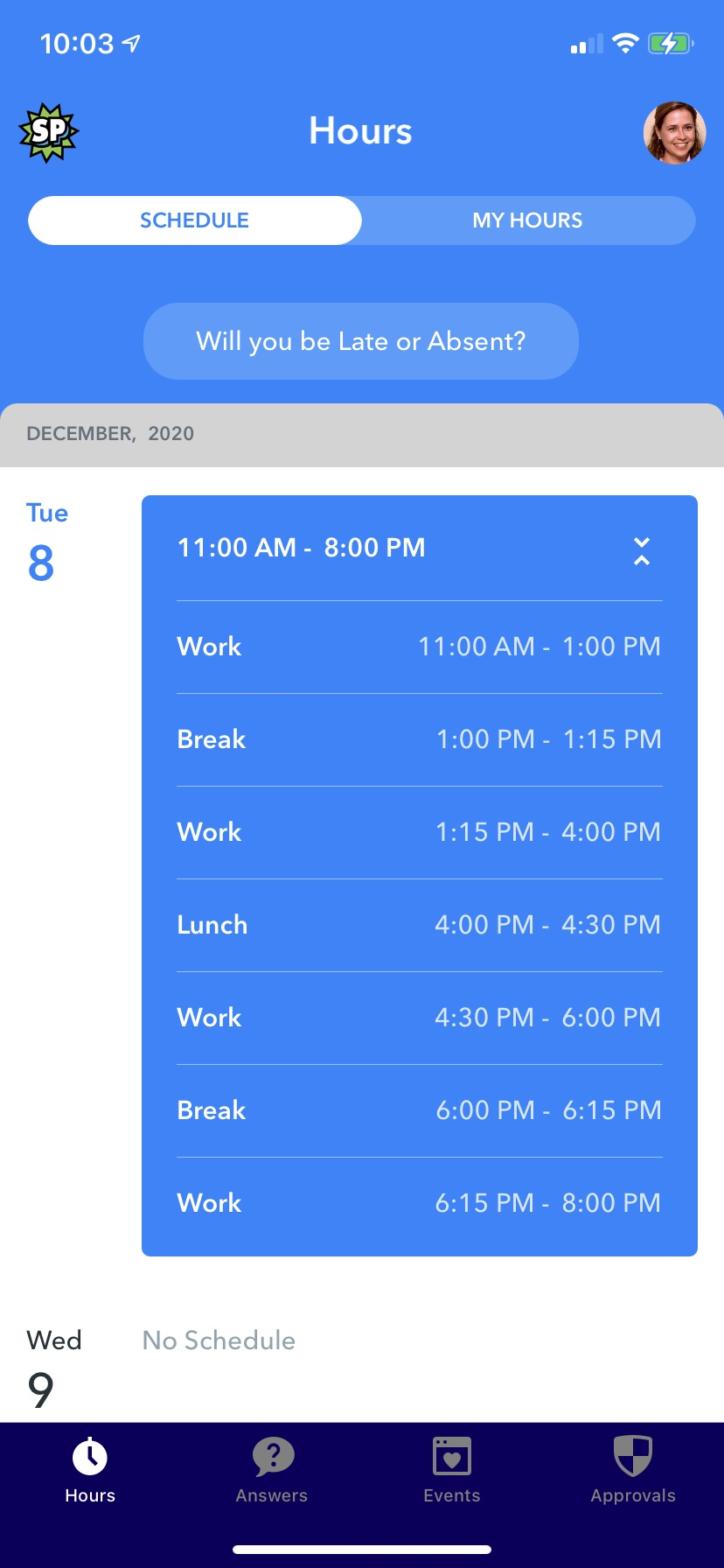
To view your schedule details, including break and lunch start and end times in the Superpunch Mobile App, follow these steps:
- Open the Superpunch Mobile App on your wireless device.
- Tap the Schedule tile on the dashboard, or tap the Hours icon located at the bottom of any other screen.
That's it, you will now see break and lunch details, including start and end times.
Need more help? See the Superpunch Support Options article.